(02) 6189 7278 (Australia)

Clear, Reliable Phone Messages
for Busy Offices

PhonePad helps offices across Australia
 and New Zealand log, share, and follow 
up phone messages without interruption.

When Phone Messages Aren’t Handled Clearly, 
Small Problems Quickly Escalate.

In busy offices, handwritten notes, interruptions, and repeated follow-ups make it hard to keep track of phone messages — especially when multiple people are involved.

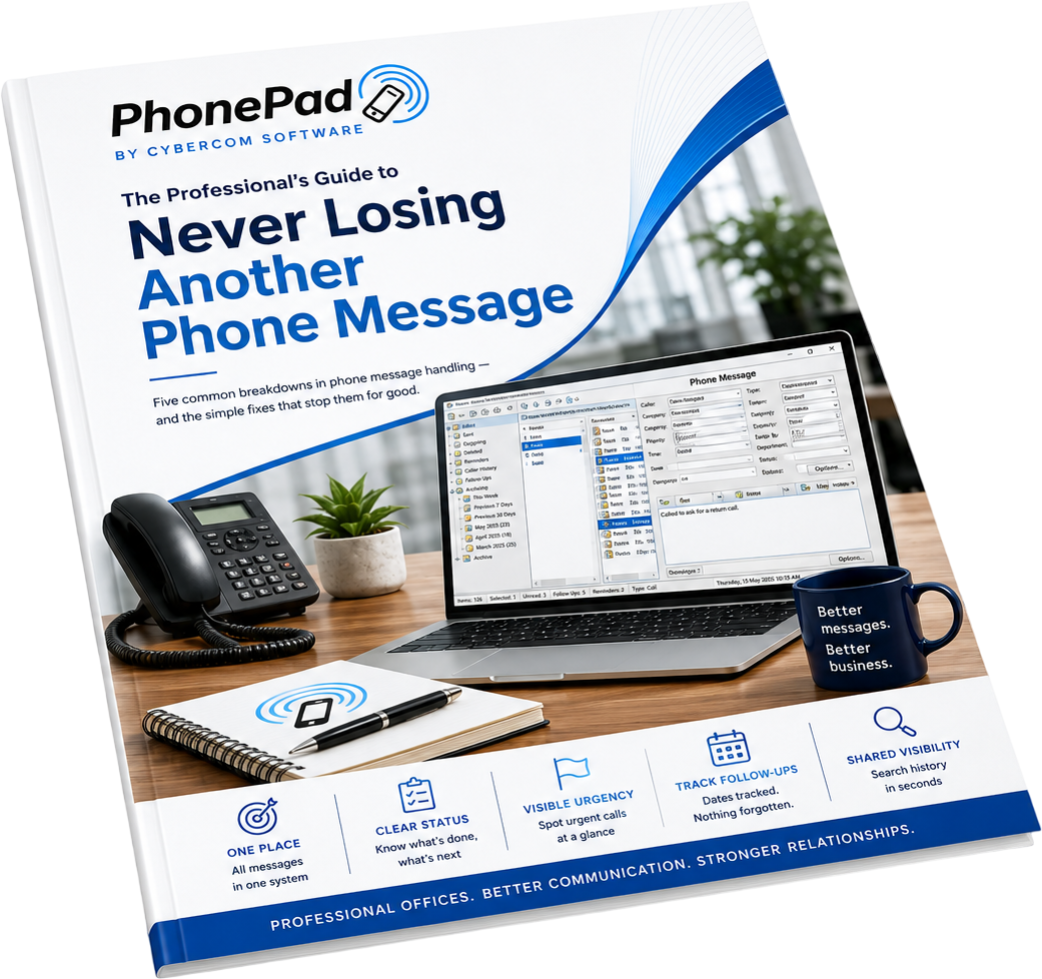
PhonePad replaces all of this with a single, shared system for logging, tracking, and following up phone messages — so nothing slips through the cracks.

How PhonePad Works

A simple, shared approach to handling phone messages

PhonePad is designed to fit naturally into the way offices already work — with no complex setup, no training overhead, and no disruption to your day.

1. Take the call
When a call comes in, the receptionist or staff member records the message in PhonePad — clearly, consistently, and once. Caller details, the message, and any follow-up notes are captured while the call is fresh, without relying on memory or paper notes.

2. Log and assign the message 
The message is instantly logged and, if needed, assigned to the right person or team. Everyone who needs to see it can — ​without interruptions, repeated explanations, or chasing people down the hallway for answers.

3. Track what happens next 
PhonePad keeps a clear record of every message and its status. You can see who called, when the message was taken, who it was assigned to, and whether it’s been followed up — so nothing is missed and nothing is unclear.

The result is a calmer, more organised way to manage phone messages — even on your busiest days.

Who PhonePad Is For

PhonePad is designed for professional offices where phone messages need to be handled clearly, shared reliably, and followed up without confusion. It’s used every day by teams who rely on accurate communication, even when the phones are busy.

PhonePad works just as well for small offices with a single phone line as it does for larger teams managing high call volumes. It adapts easily to different workflows without adding complexity. 

The result is a clearer, more consistent way to handle phone messages — regardless of the size or structure of your office.

What’s Included with PhonePad

PhonePad provides a complete set of tools for logging, tracking, and following up phone messages — all in one shared system. Everything is designed to work together, without unnecessary complexity.

The PhonePad logo.

Log, follow up, and track every phone call. Automate your phone call management.

Automatically maintain a complete history of every phone call for every client.

This is the system. Everything else supports it.

learn more
The MessageSender logo.

Automatically forward phone messages to email, SMS, or the Pushover app.

 ​Optional add-on for PhonePad.

Learn more
The PhonePad Remote logo.

Work remotely with ease - use PhonePad on your Windows computer as if you never left the office.

 ​This functionality is built-in to PhonePad.

learn more
The Appointment Calendar logo.

Schedule and manage appointments quickly and easily with a multi-user, networked appointment calendar.

 Optional add-on for PhonePad.

learn more
The PhonePad Web logo.

Access your messages, appointment schedule, and contacts on your smartphone - wherever you are.

 ​Optional add-on for PhonePad.

Learn more
The To Do List logo.

Create and manage your tasks without fuss. Create group tasks with other users.

 ​Included with PhonePad.

Learn more
An image showing customer reviews of 4.5 stars.

Try PhonePad with Confidence

PhonePad includes a full 30-day free trial, so you can see how it works in your own office — with your team, your calls, and your workflow. There’s no obligation to continue, and no credit or debit card required to get started.

What to expect during your trial

You’ll be able to evaluate PhonePad properly, without pressure or sales follow-ups.

Built and supported in Australia

PhonePad is proudly developed and supported in Australia, with local knowledge of how professional offices work. 

If you need help during your trial, support is available from people who understand your environment — not a call centre or chatbot.

No credit card required • No obligation • No pressure

Features

Software Designed for Your Business

Log, follow up, and track every phone call. Automate your phone call management.

Automatically maintain a complete history of every phone call for every client.

more

Automatically forward your phone messages to email, SMS, or the Pushover app (includes up to 10,000 free messages per month).


Optional add-on for PhonePad.

More

Work remotely with ease - use PhonePad on your Windows computer as if you never left the office.

This functionality is built-in to PhonePad.

more

Schedule and manage appointments quickly and easily with a multi-user, networked appointment calendar.

Optional add-on for PhonePad.

more

Access your messages, appointment schedule, and contacts on your smartphone - wherever you are.

Optional add-on for PhonePad.

more

Create and manage your tasks without fuss. Create group tasks with other users.

Included with PhonePad.

more

Australian Made Software

While our clients span the globe, our software is proudly designed, developed, and supported right here in Australia.

Contact details

Phone: (02) 6189 7278
Sales: sales@cybercom-software.com
Support: support@cybercom-software.com

Business hours

Monday - Friday: 8:00 AM – 4:00 PM
Saturday: 8:00 AM – 12:00 PM
Sunday: Closed